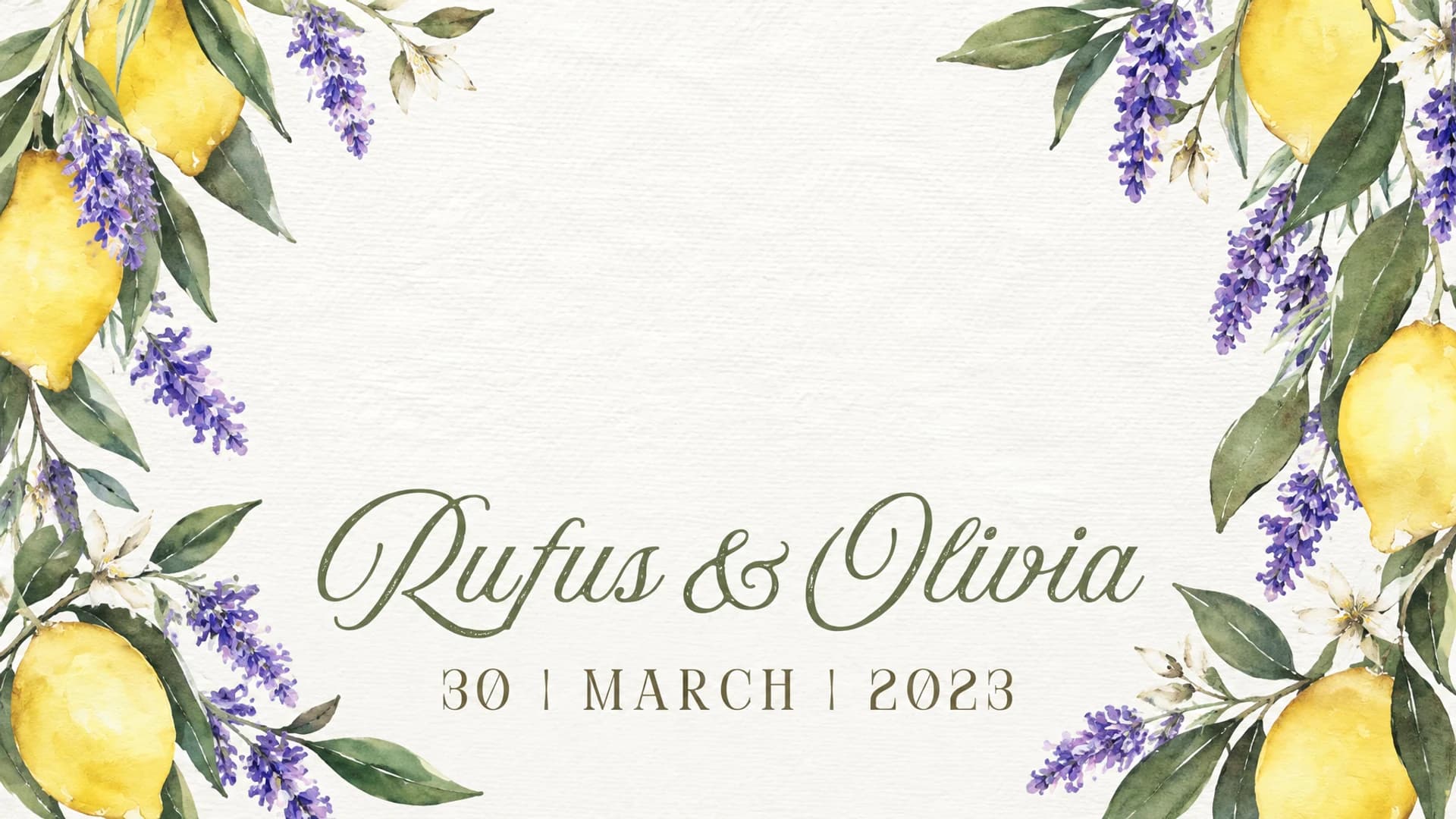
Every party,
its own style.
Design Studio turns an invitation into a photobooth design: strip, print and start screen, in the style of the party.
Register, confirm your email and open Design Studio straight away with 5 free credits. Apply separately to join the feedback testing programme.
Already have an account? Open Design Studio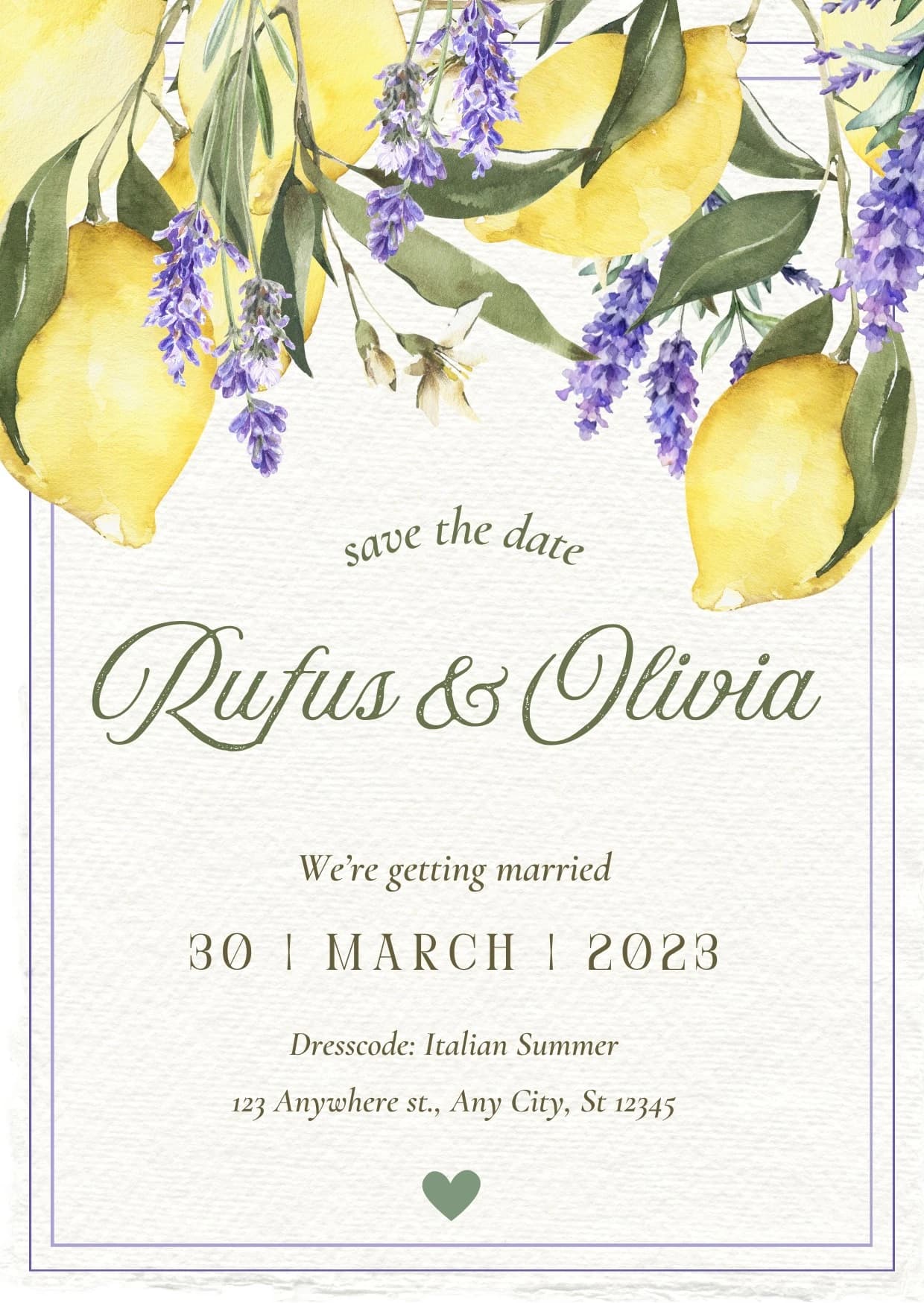
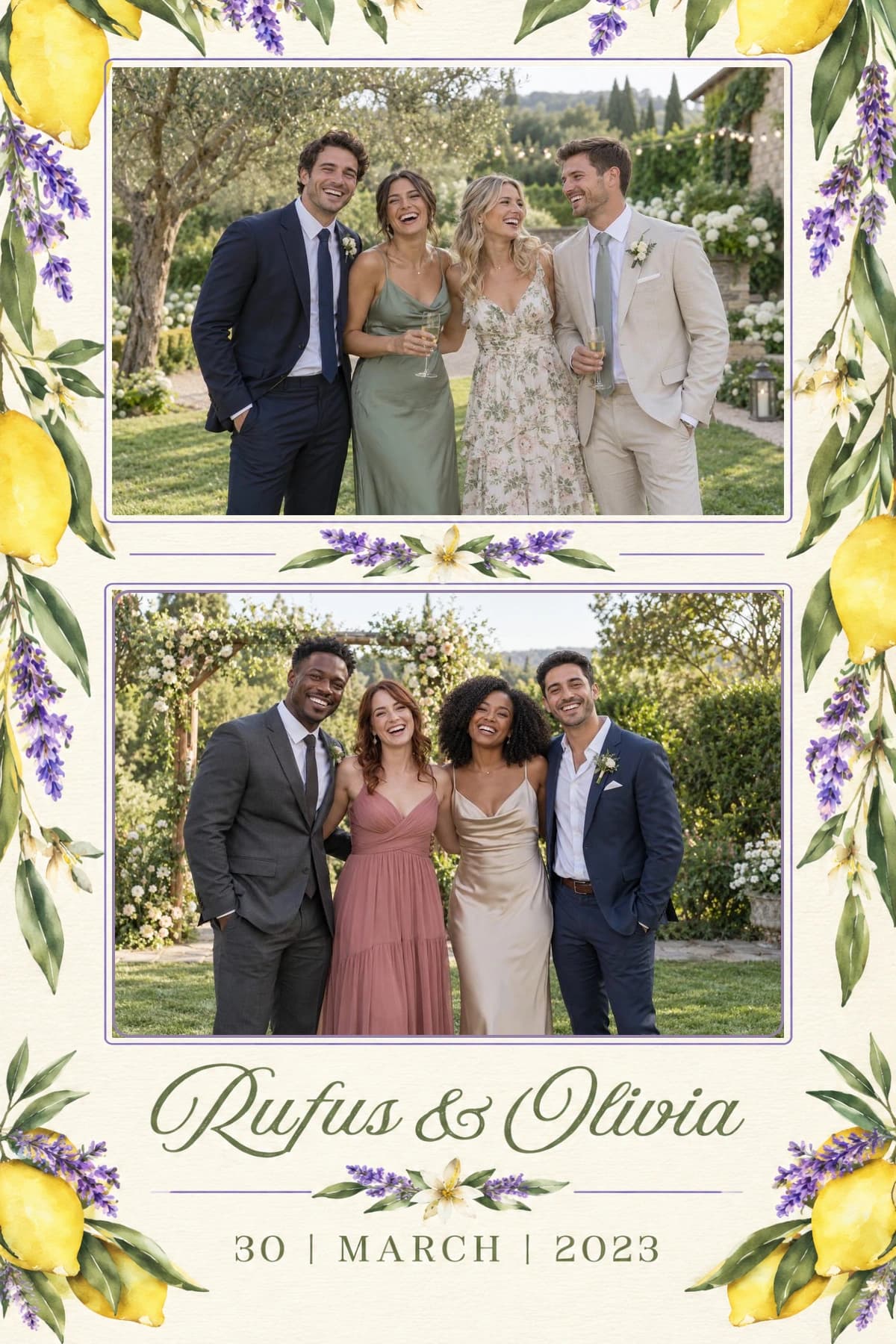
Your style.
Your design.
Turn an invitation or your own idea into a personal photobooth design.
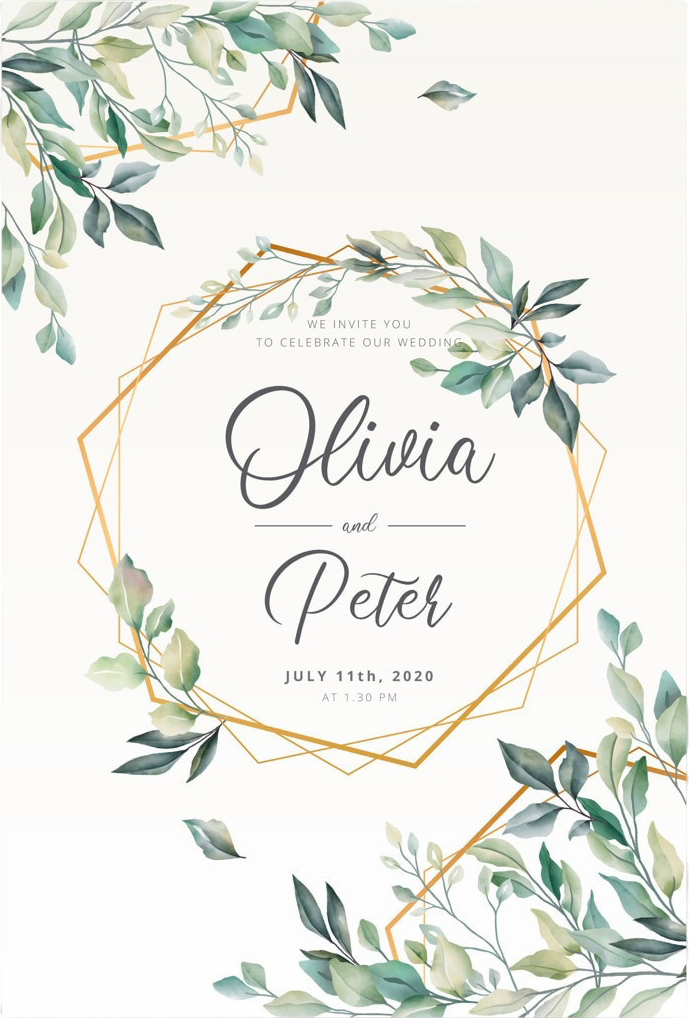
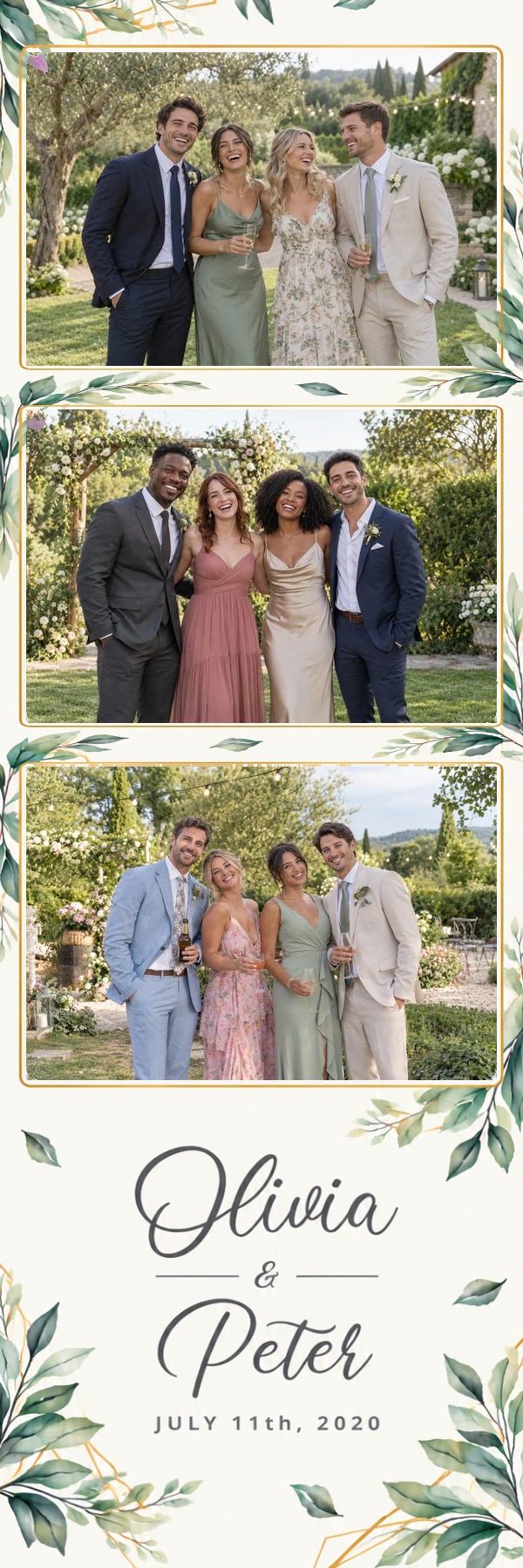
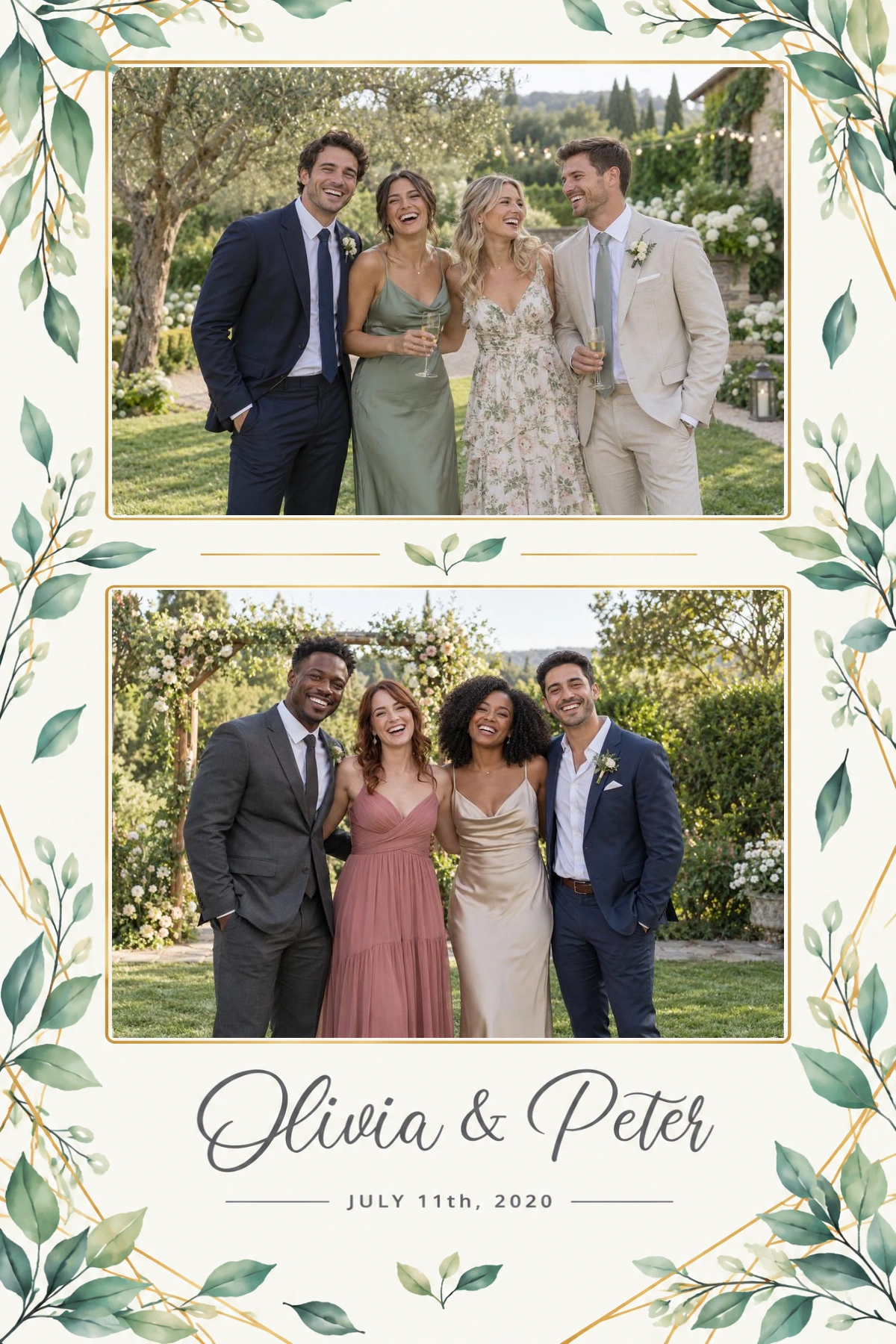
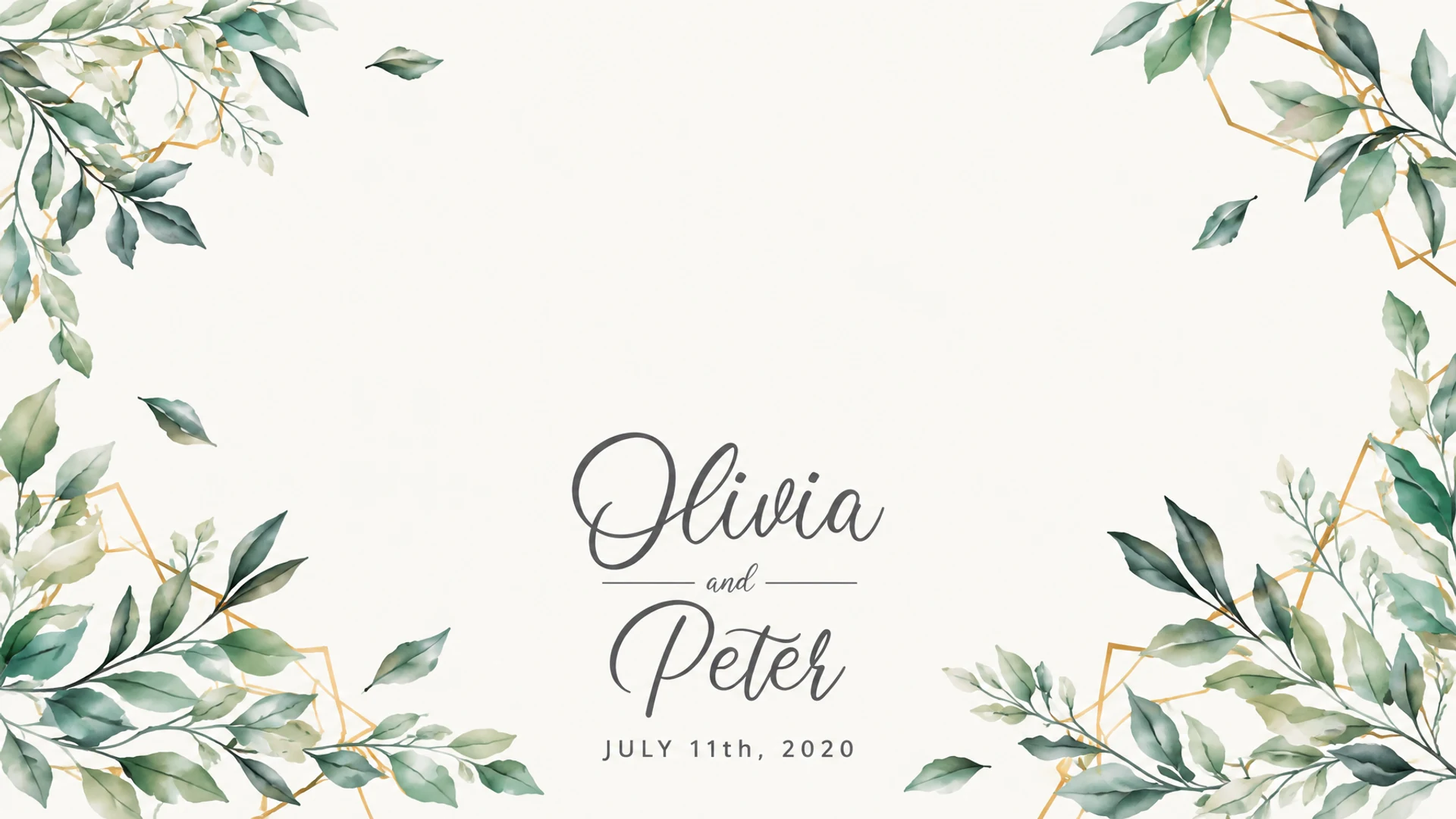
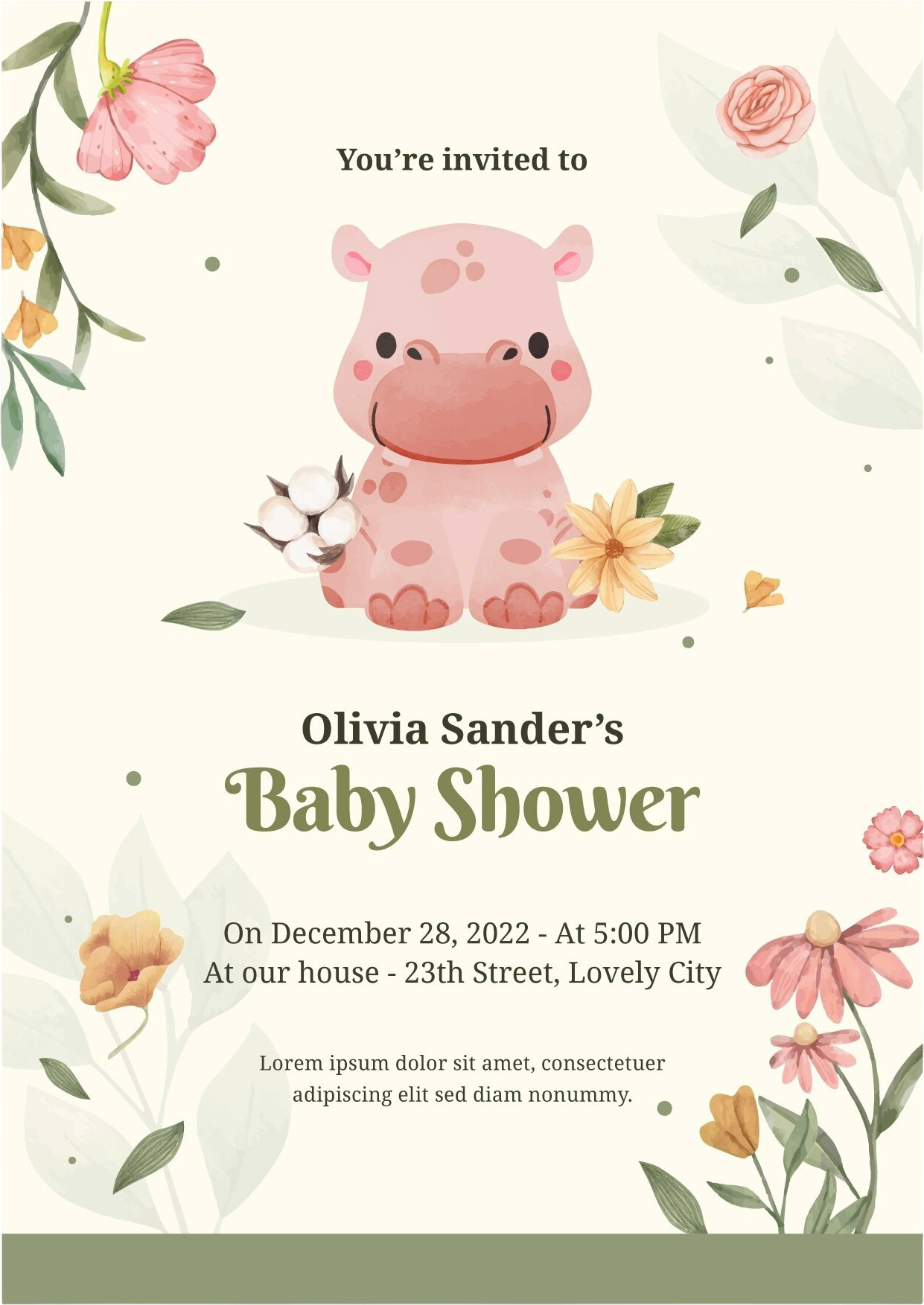
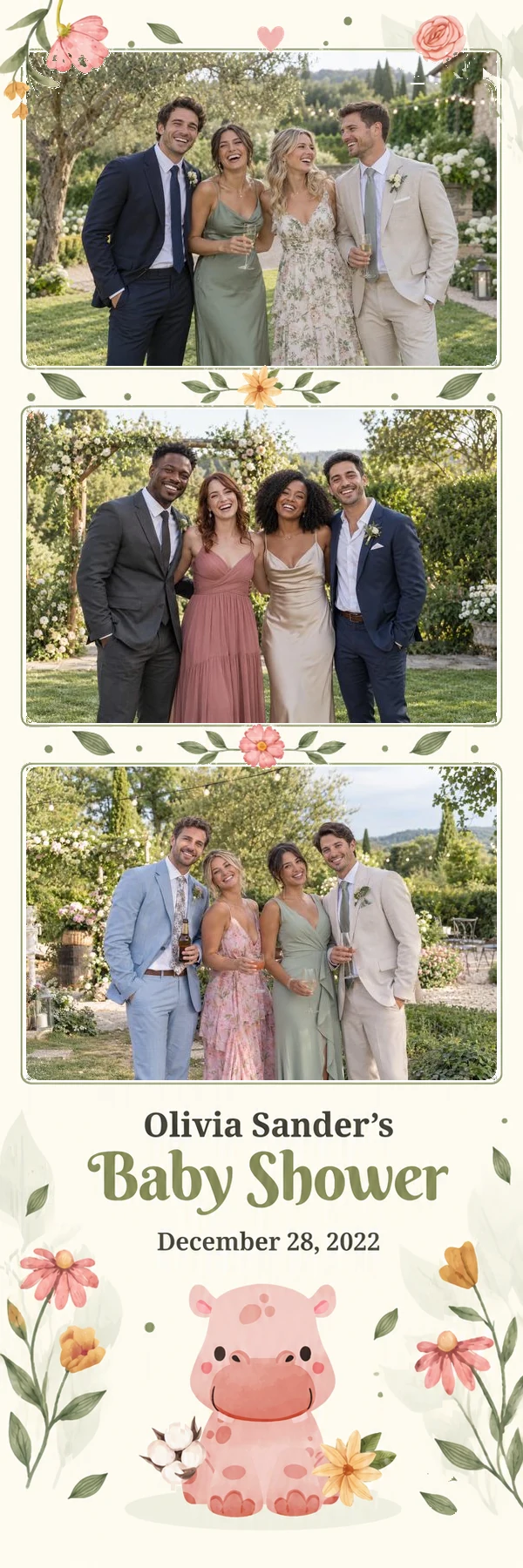
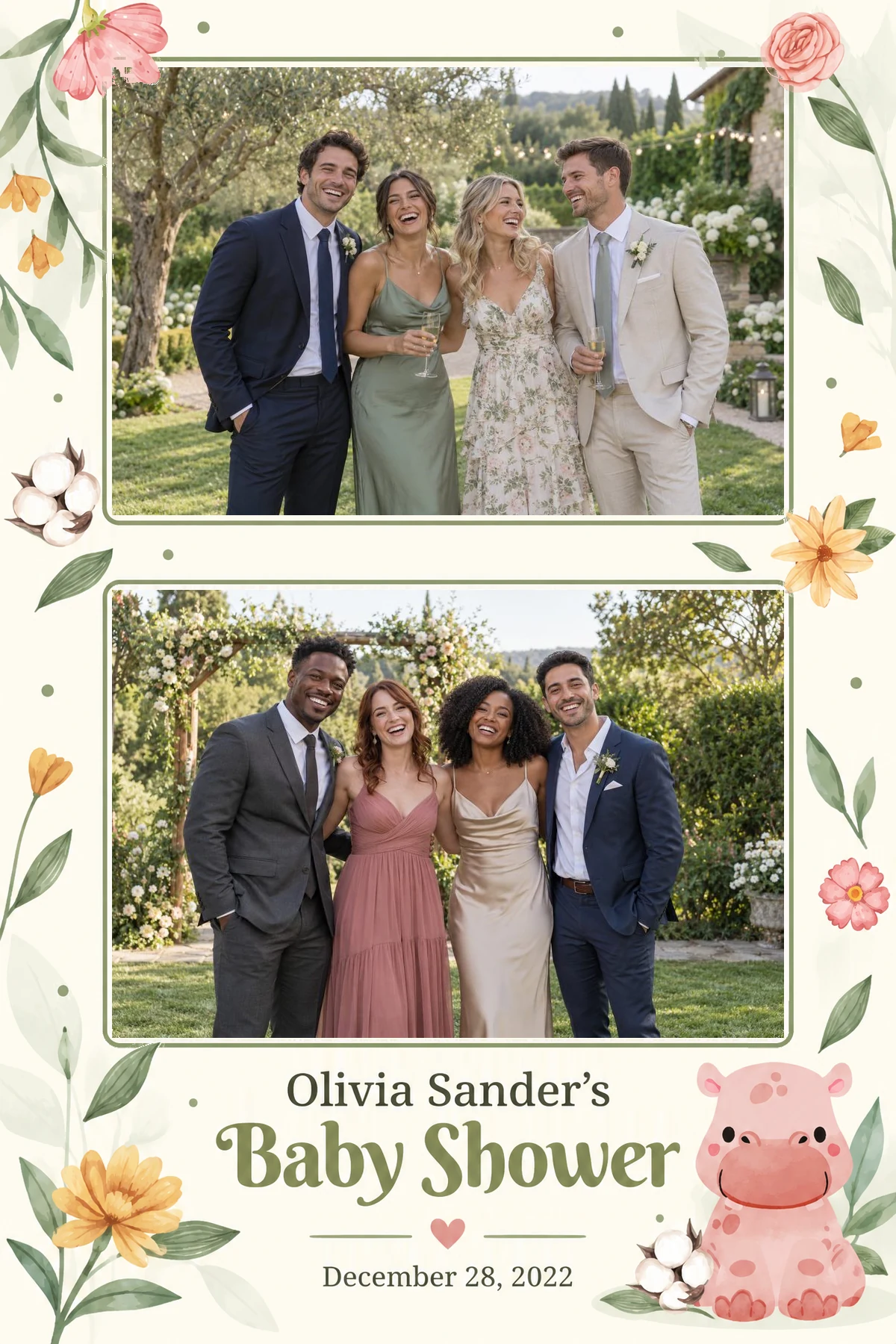
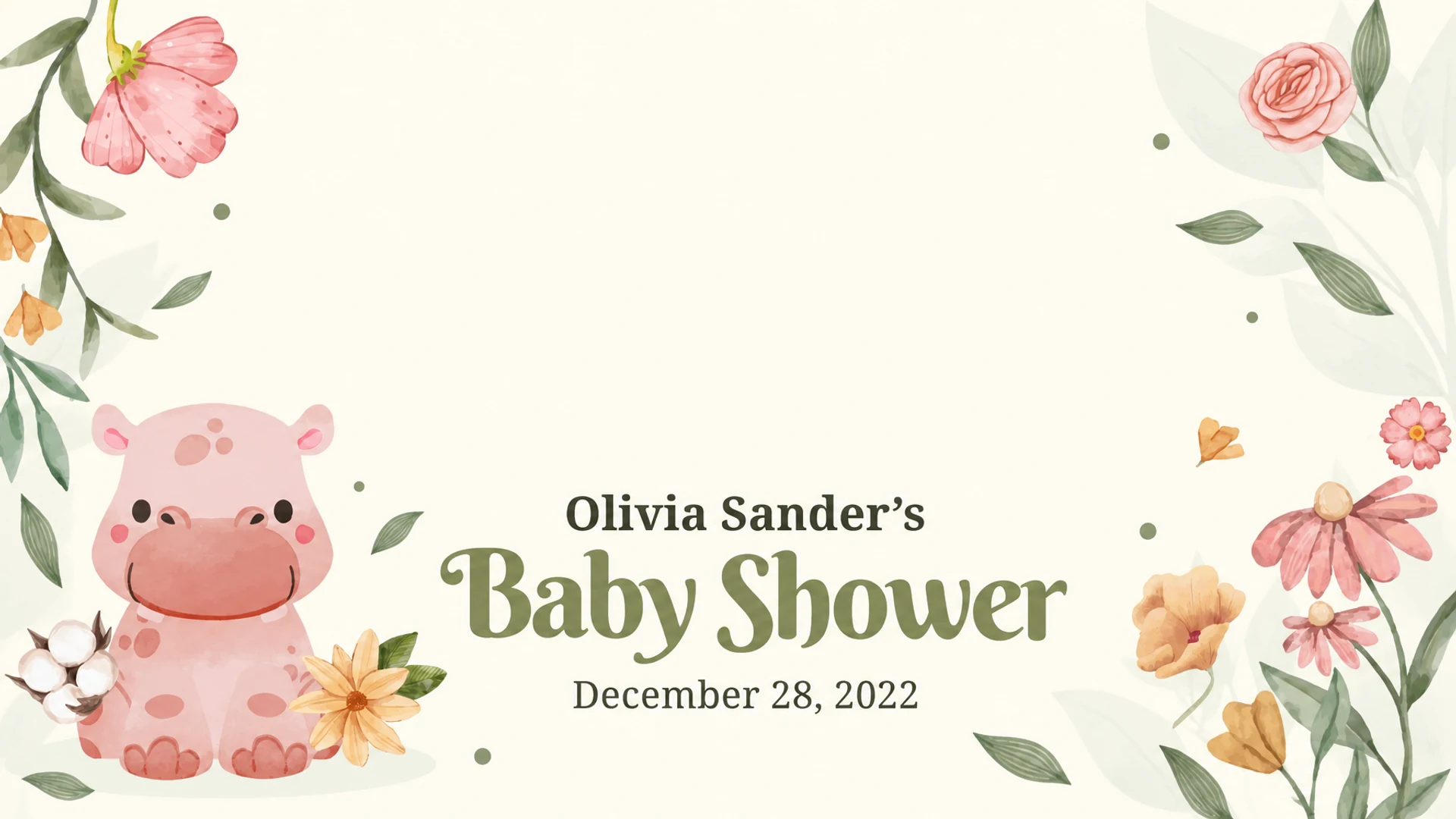
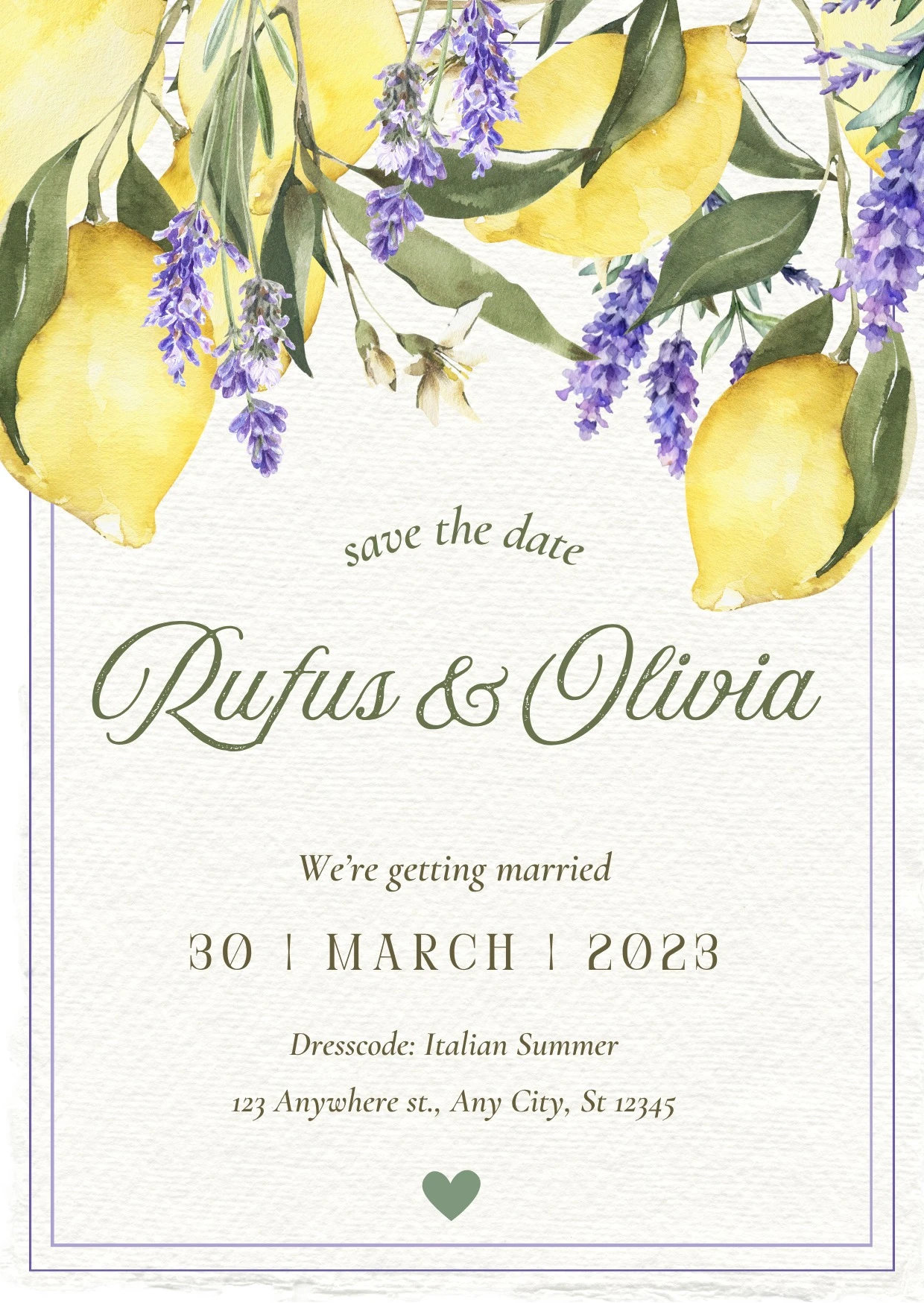
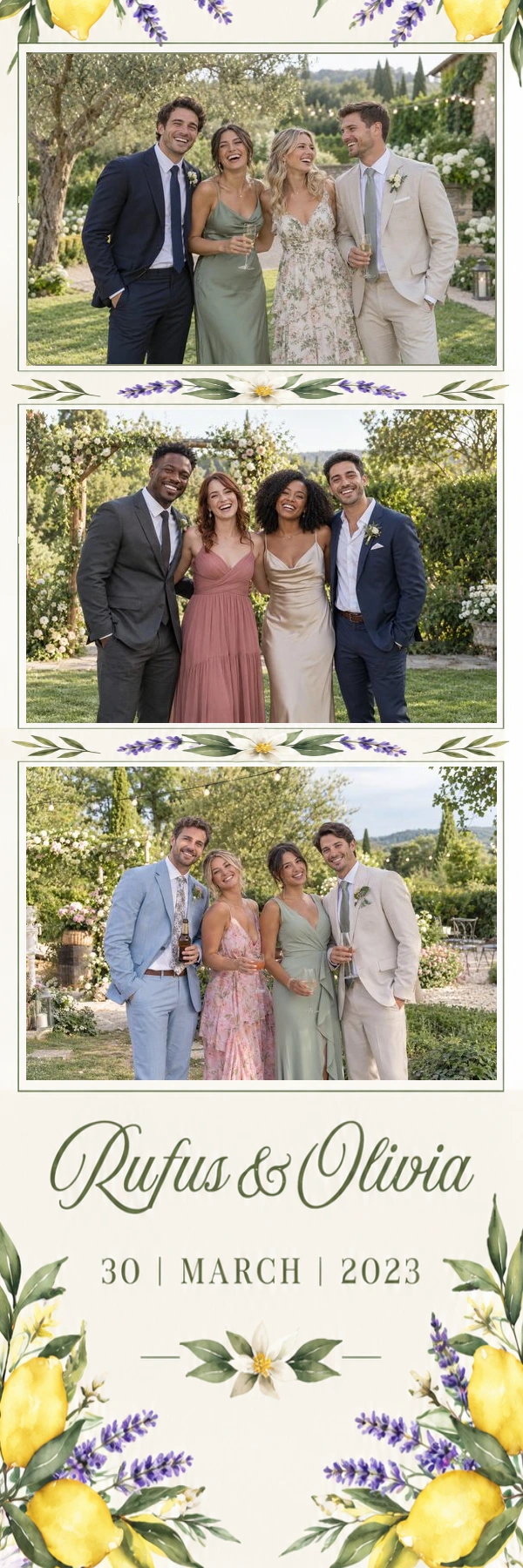
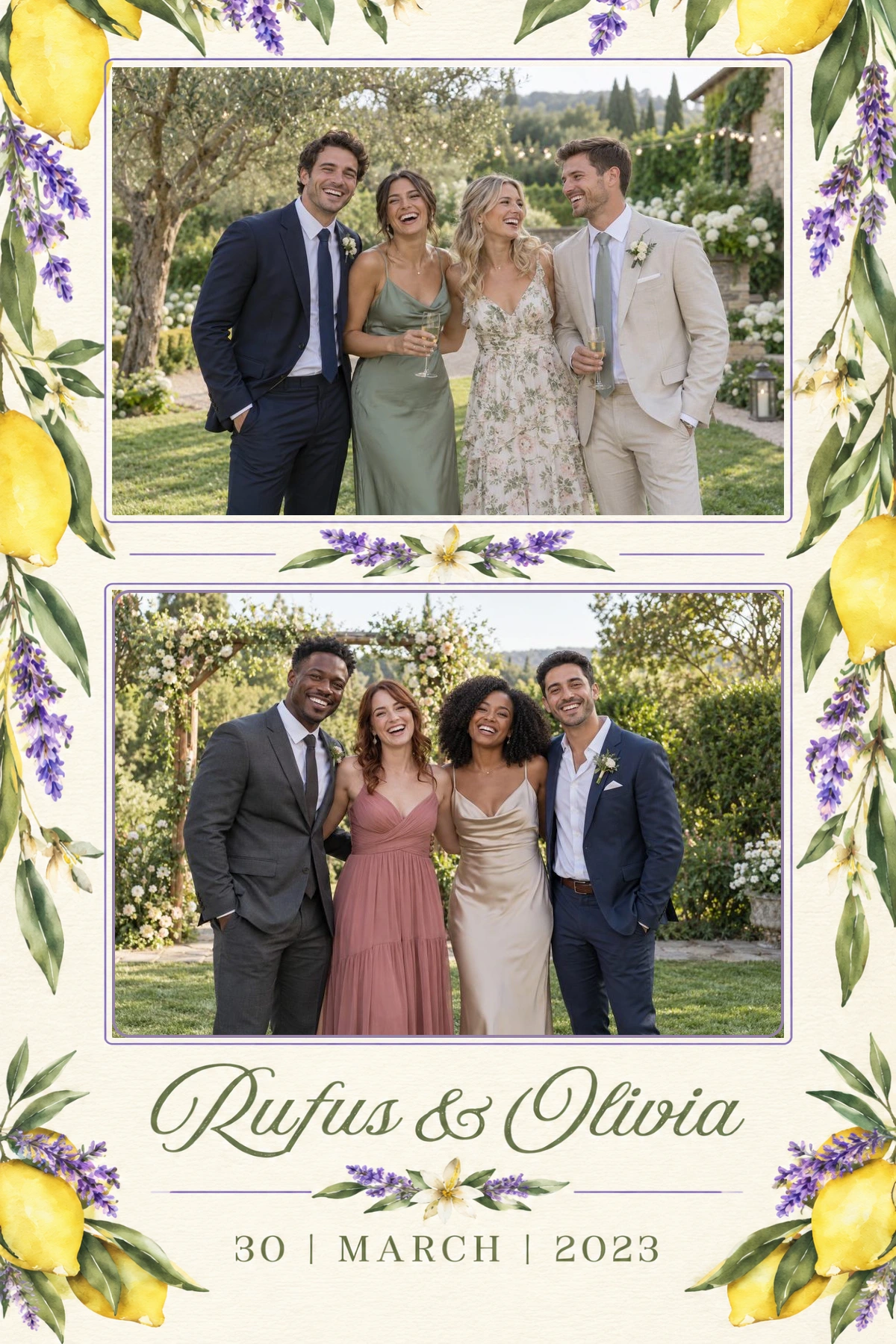
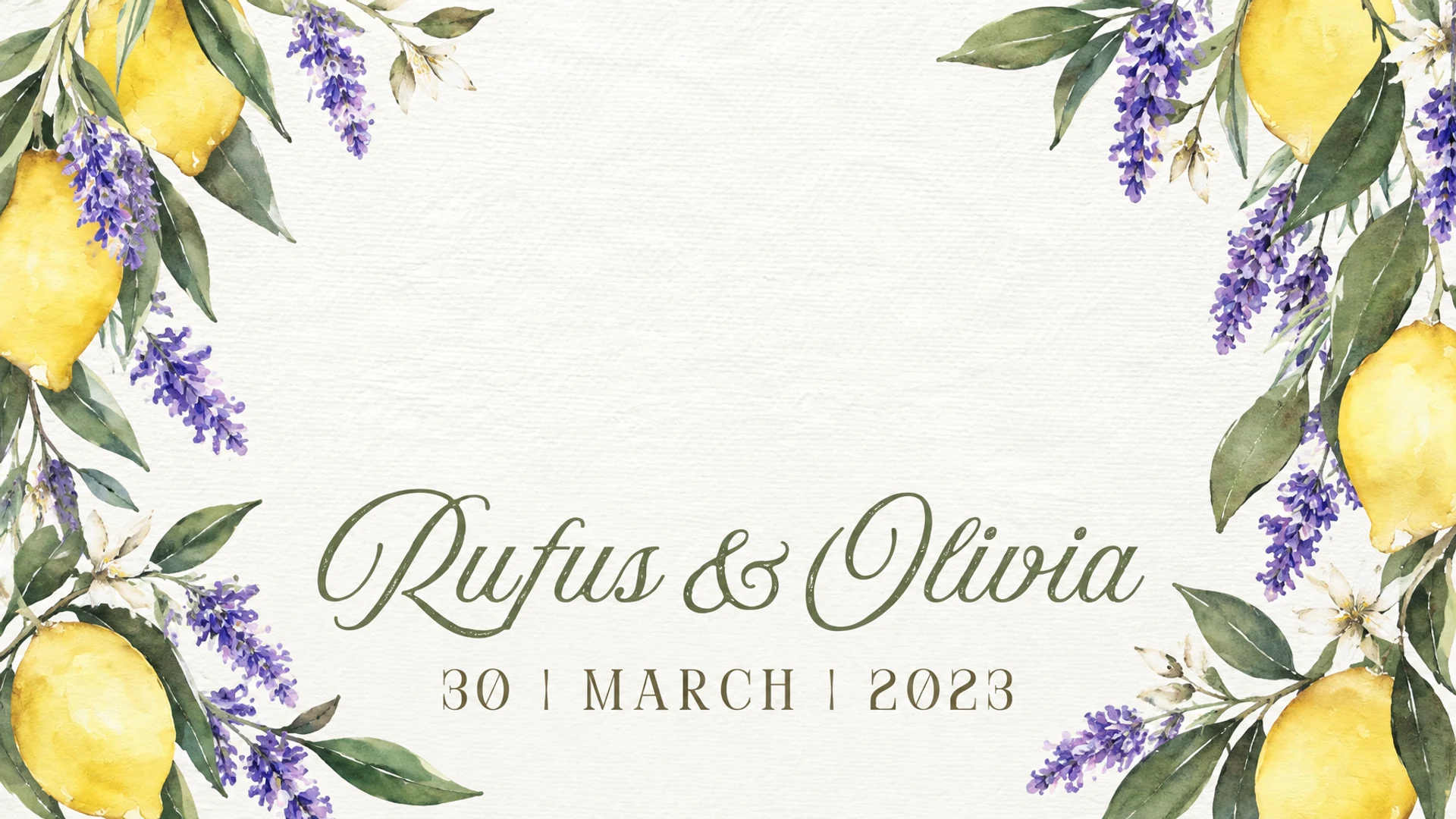
Olivia & Peter
Invitation · 2×6 · 4×6 · start screen
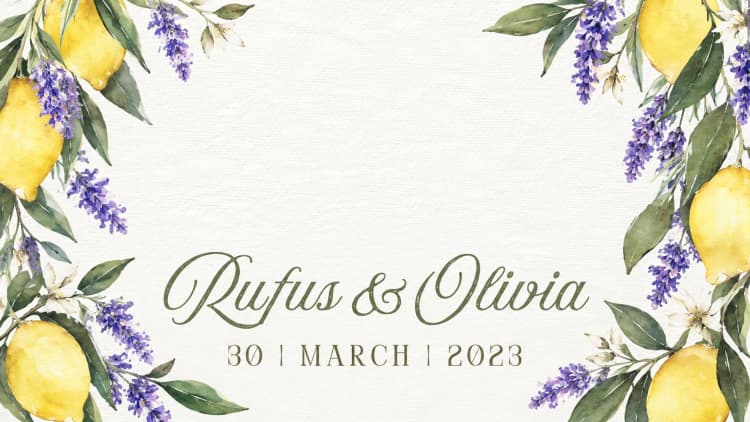
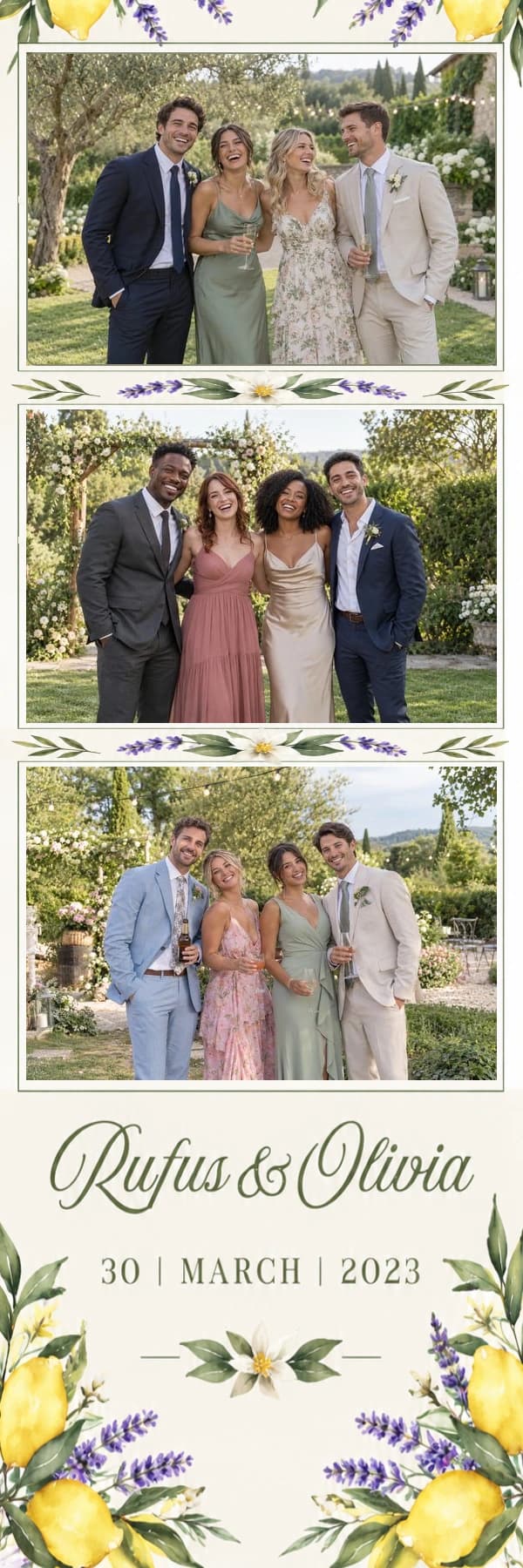
Real Design Studio examples: the invitation, a 2×6 strip, a 4×6 print and the start screen. Sample photos show how the design looks in use.
Ready for your booth software.
No cutting out in a photo editor: the photo openings in your download are already transparent. Load it, and the photos of the night fall into place.
Use it on its own, or as part of BoothCore.
Just Design Studio
You don't need the BoothCore platform. Sign up for Design Studio only and start with 5 free credits.
- Upload the invitation, make the design and finish it in the designer
- Download as a PNG with transparent photo openings
- No quotes, planning or other modules attached
Your customer makes the design
If you work with BoothCore, Design Studio moves into your client portal. Your customer takes the design into their own hands; you keep the final say.
- Your customer uploads the invitation in the client portal
- They confirm the names and the date and pick a layout
- They make the design for their party themselves
- It lands in your event, and you finish it where needed
Your customer takes over the design work; all that is left for you is the finishing touch.
Start with your invitation
From eucalyptus to a cheerful baby shower, your own card gives the design its direction.
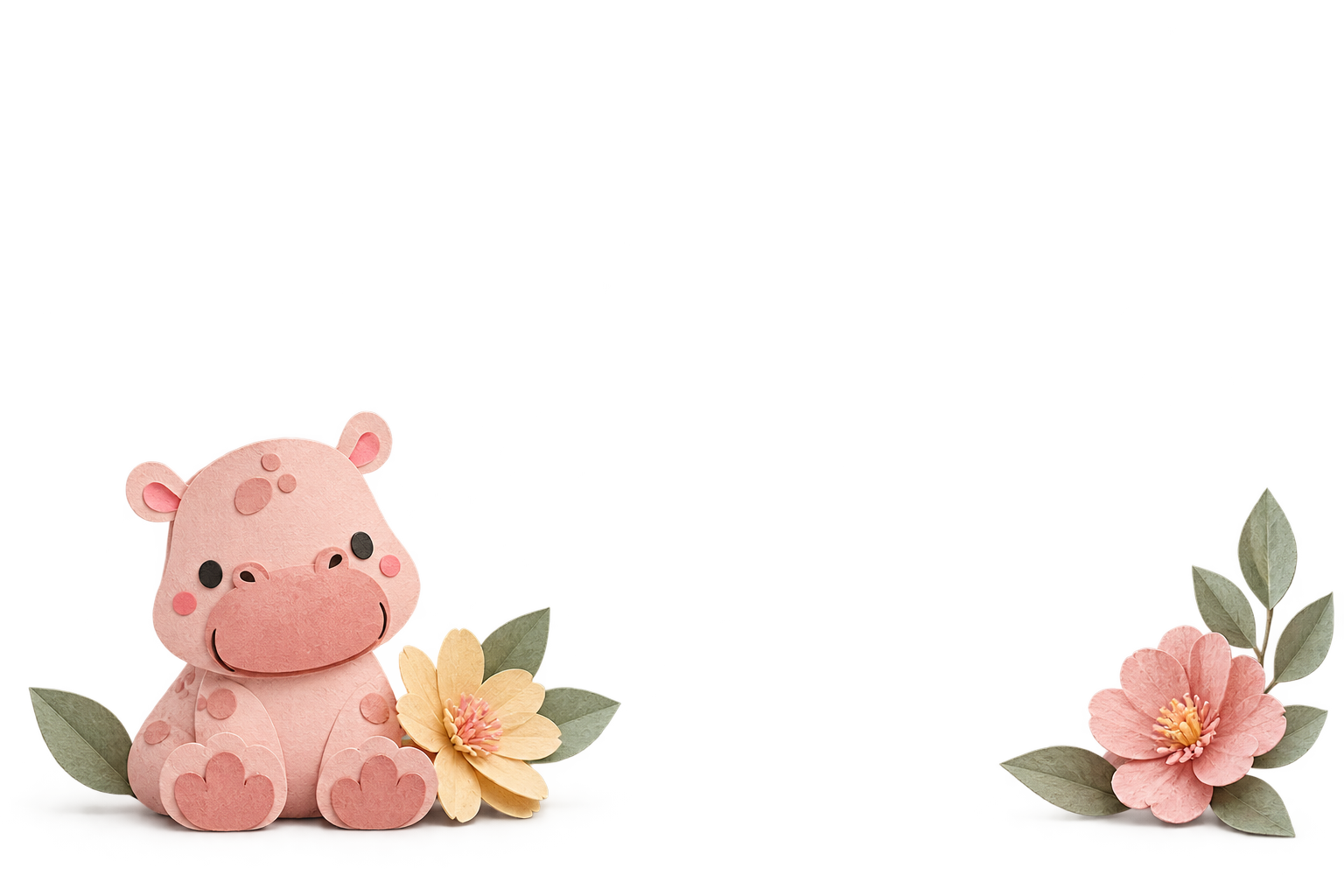
Separate, editable elements
Move decorations and lettering layers, resize them and fine-tune the composition yourself.
More than a photo strip
Choose a 2×6 or 4×6 format and a photo layout that suits your booth.
From first idea to your design
Choose your starting point
Use an invitation, or enter your details and optional inspiration yourself. Either way you get an editable design.
Choose your format and layout
Preview the photo openings and pick the print layout you want to use.
Check the details
Let AI recognise names and a date from the invitation, then check them before generating. A date is optional.
Generate and refine
Open the editable result in the designer. Move, resize or remove elements until the design feels right.
AI helps you design. You stay in control.
Rather than a single fixed image, the invitation route delivers a composition with individual layers.
Recognition you can check
The invitation helps identify names, a date, colours and mood. Review the recognised details and correct them where needed.
A starting point for every celebration
Use a wedding, party or baby shower invitation. Without a card you describe the design yourself and still get separate layers.
Refine it in the designer
Frames, illustrations and generated lettering layers are separate elements. Move, resize or remove them; generated lettering is an image layer, not directly editable text.
A standalone module too
You don't need event management. Keep your designs in Design Studio without creating your own subdomain.
The same mood on your start screen
Create a start-screen background in the style of your invitation, or build on an existing print design. Choose landscape or portrait and an aspect ratio that fits your tablet or screen, with space for your booth software's buttons.
Edit the result layer by layer and download it as a PNG to use in your booth software.
Good to know
No. With an invitation, AI reads the names, date and style. Without one, enter your details and optionally add an inspiration image: the design is just as editable.
Move, resize and remove individual frames, illustrations and lettering layers in the designer. AI-generated lettering is stored as image layers: its spelling cannot be edited directly as text.
Design Studio supports 2×6 strips and 4×6 prints. The number and placement of photos depend on the chosen layout, not just the paper format.
Yes. Design Studio is a standalone module for signed-in users. You don't need to create an event or your own subdomain.
Yes. Within your project, generate a start screen with AI from your invitation or inspiration image, or use the elements of an existing print design. Choose the aspect ratio and landscape or portrait orientation. Then adjust the layers and download the background as a PNG for your booth software.
In short
From invitation to photo booth design.
Your invitation as the starting point
Colours, illustrations and mood carry over into the design.
2x6, 4x6 and start screen
In the same style, for every format of your booth.
Transparent photo openings
Download as a PNG, ready for your booth software.
Use it on its own
No BoothCore platform needed. You finish the design yourself in the designer.